This post is still a draft and needs review.
Introduction
Someone recently asked me how to set up monitoring for sunpower solar panels in home assistant with the legacy PVS6 monitor. Thankfully when SunStrong acquired Sunpower they created an offical API to support something like this: https://github.com/SunStrong-Management/pvs-hass.
However if you are new to home assistant this can still be a daunting task. The steps below comprehensively document step by step how to go from a clean HA install to having the monitoring up and running.
The first step is to install HACS as a third party add on.
First navigate to add a custom repository.
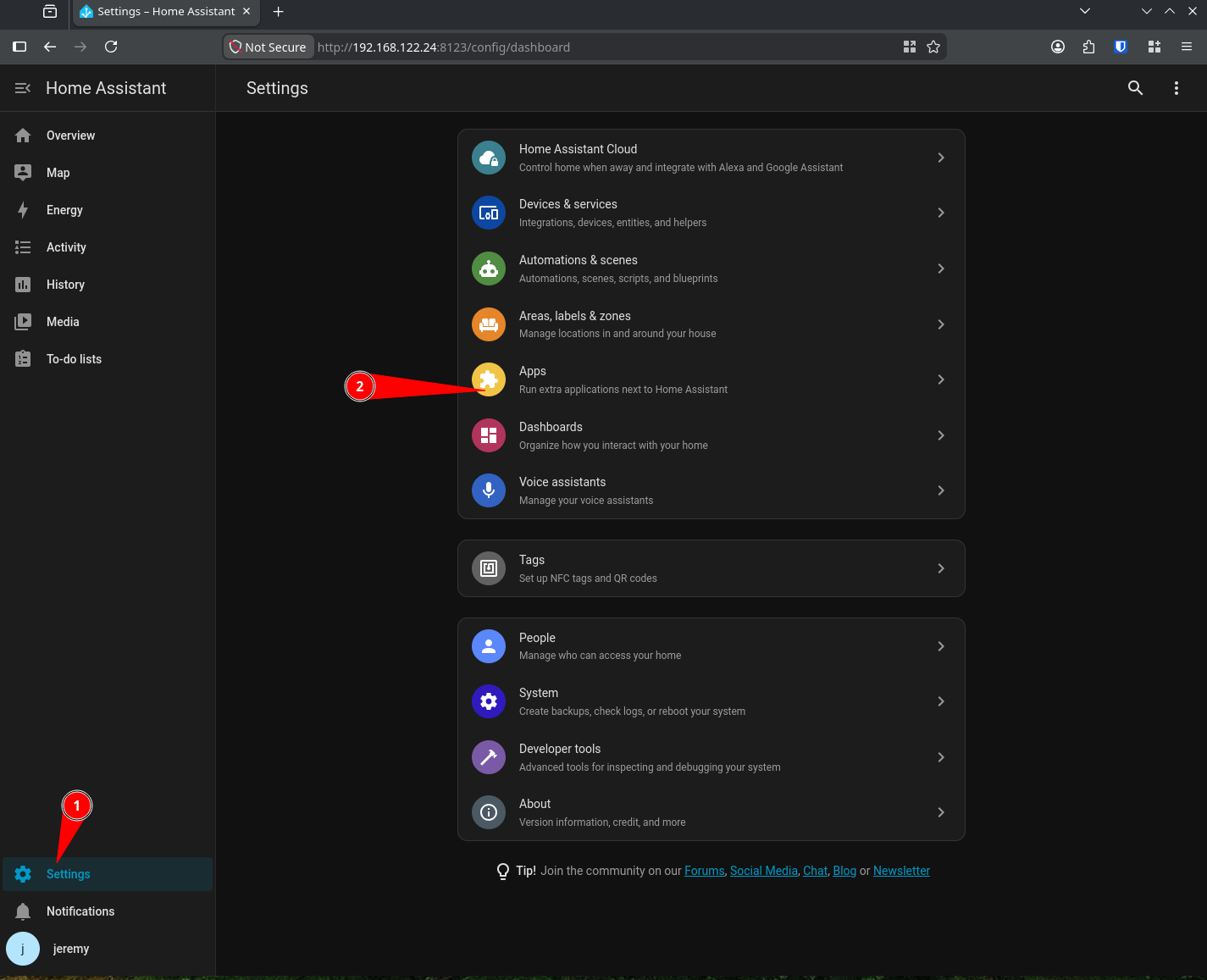
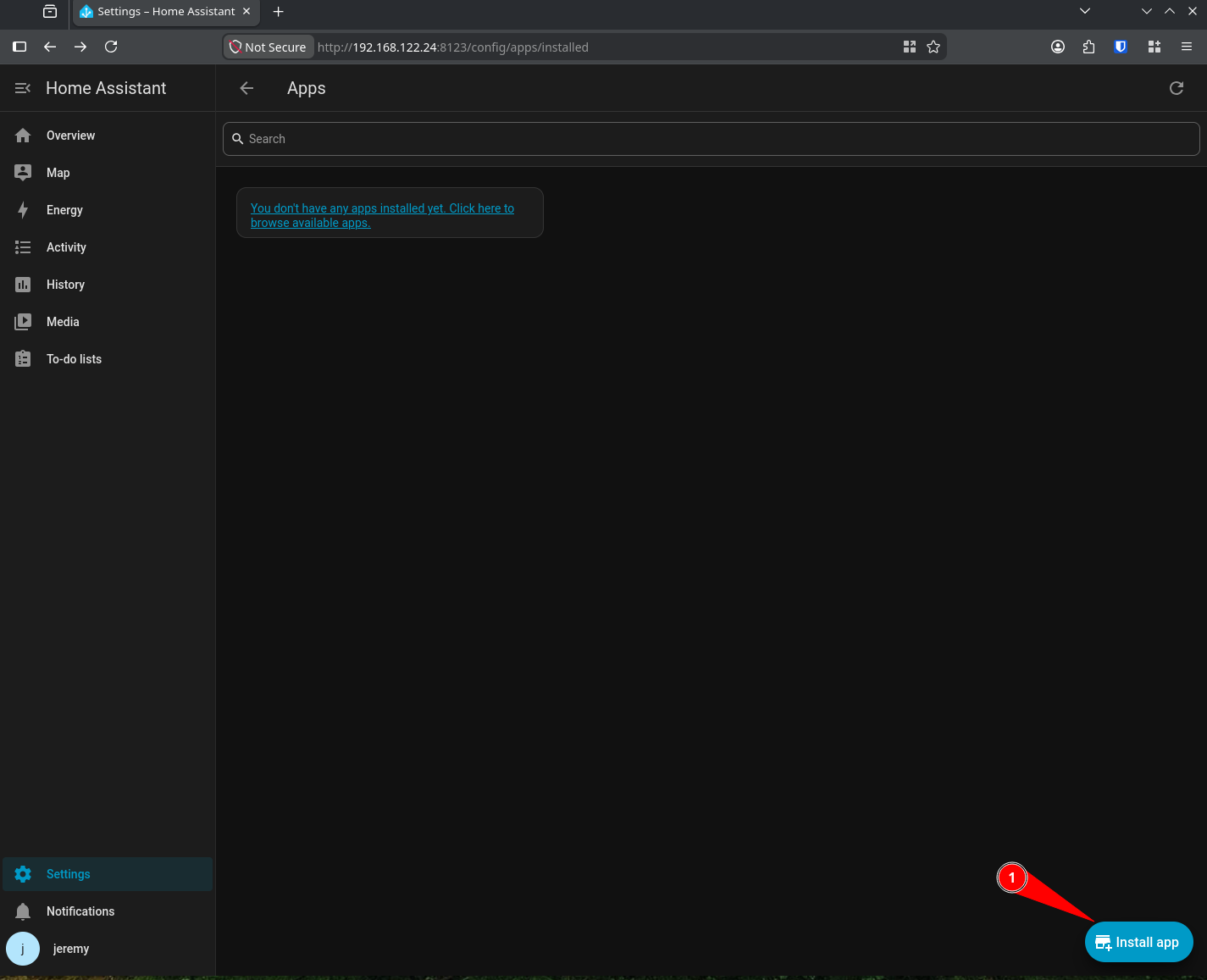
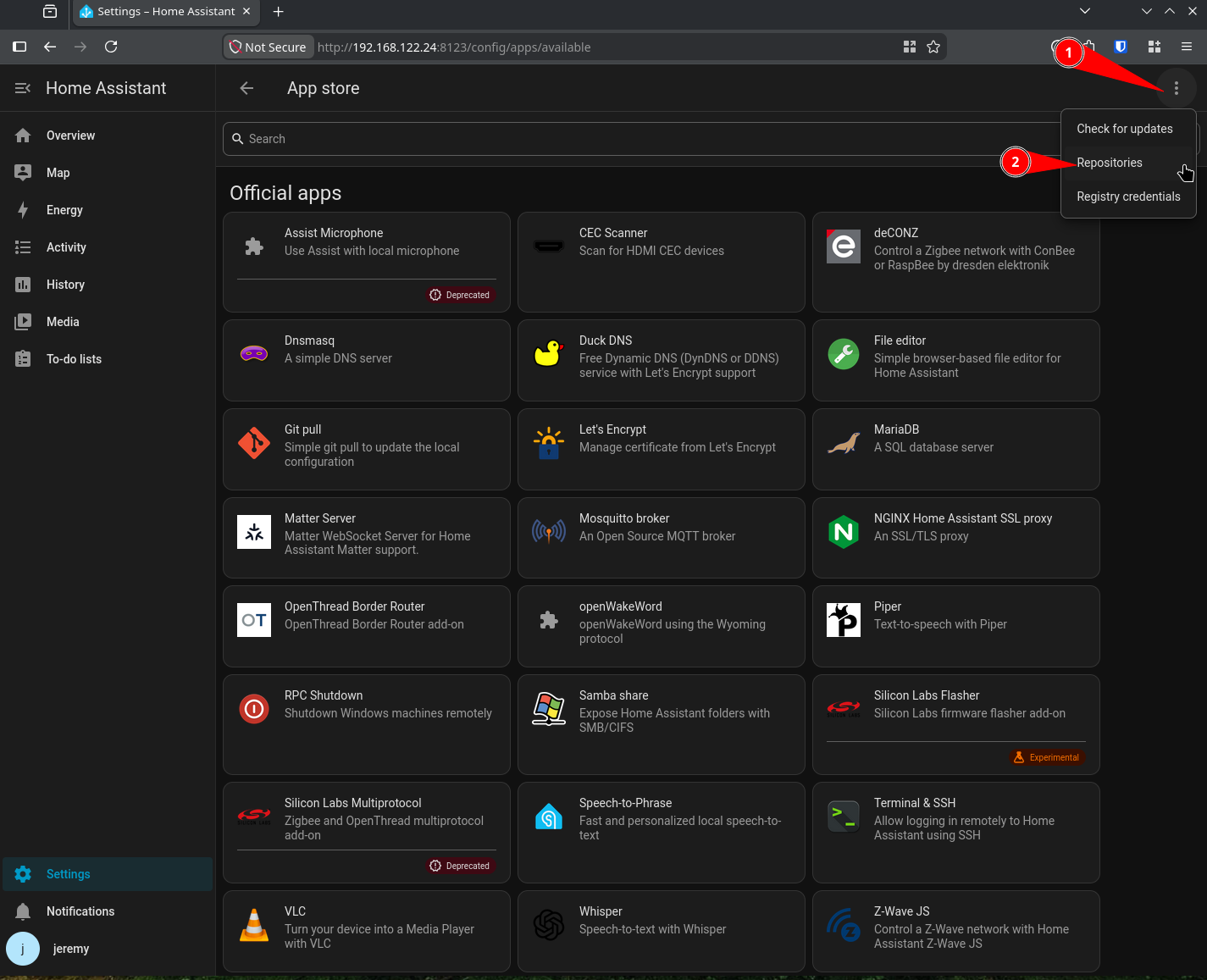
Then use this URL for the custom repository: https://github.com/hacs/addons
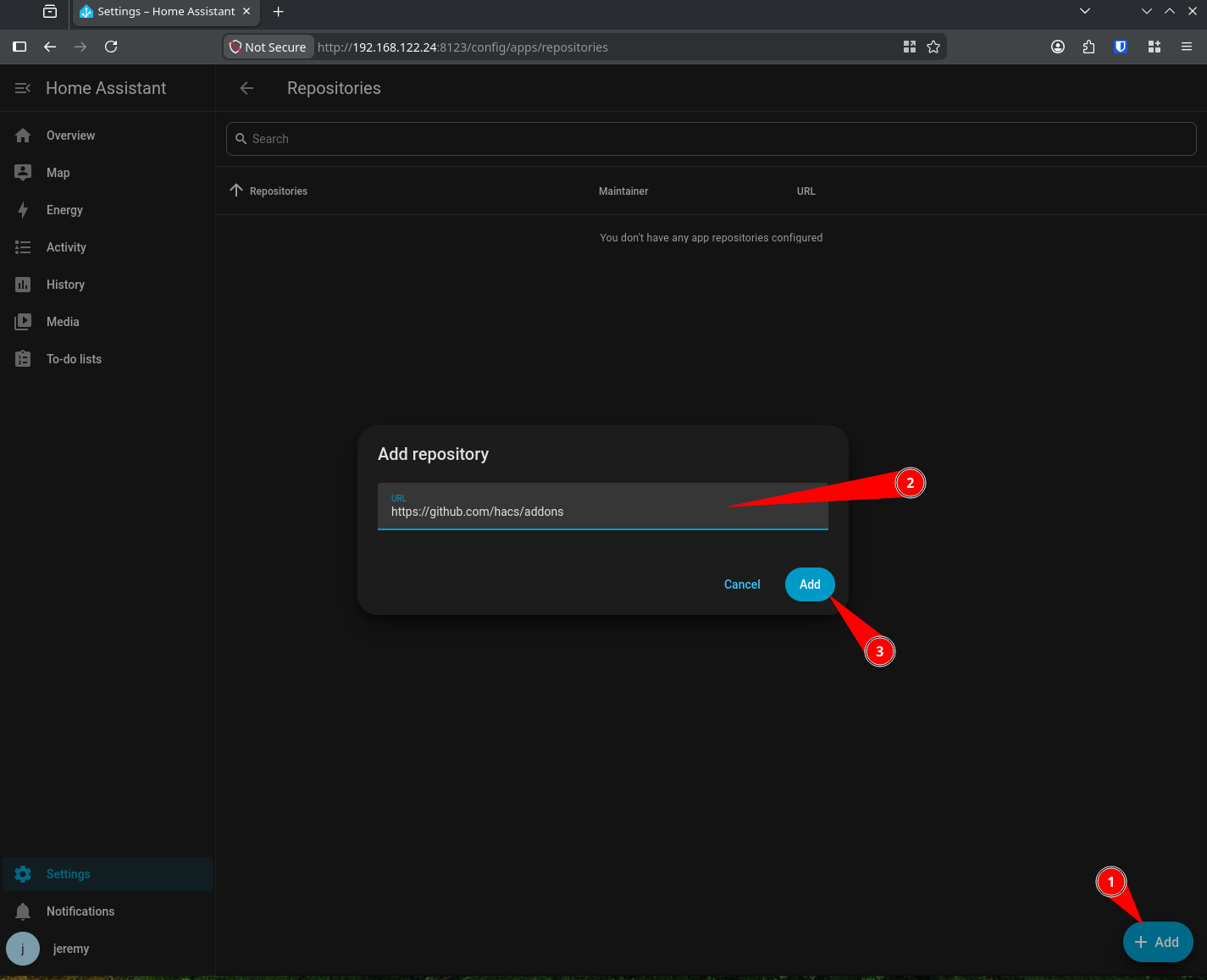
Now that the custom respository is added, you can find HACS and install it.
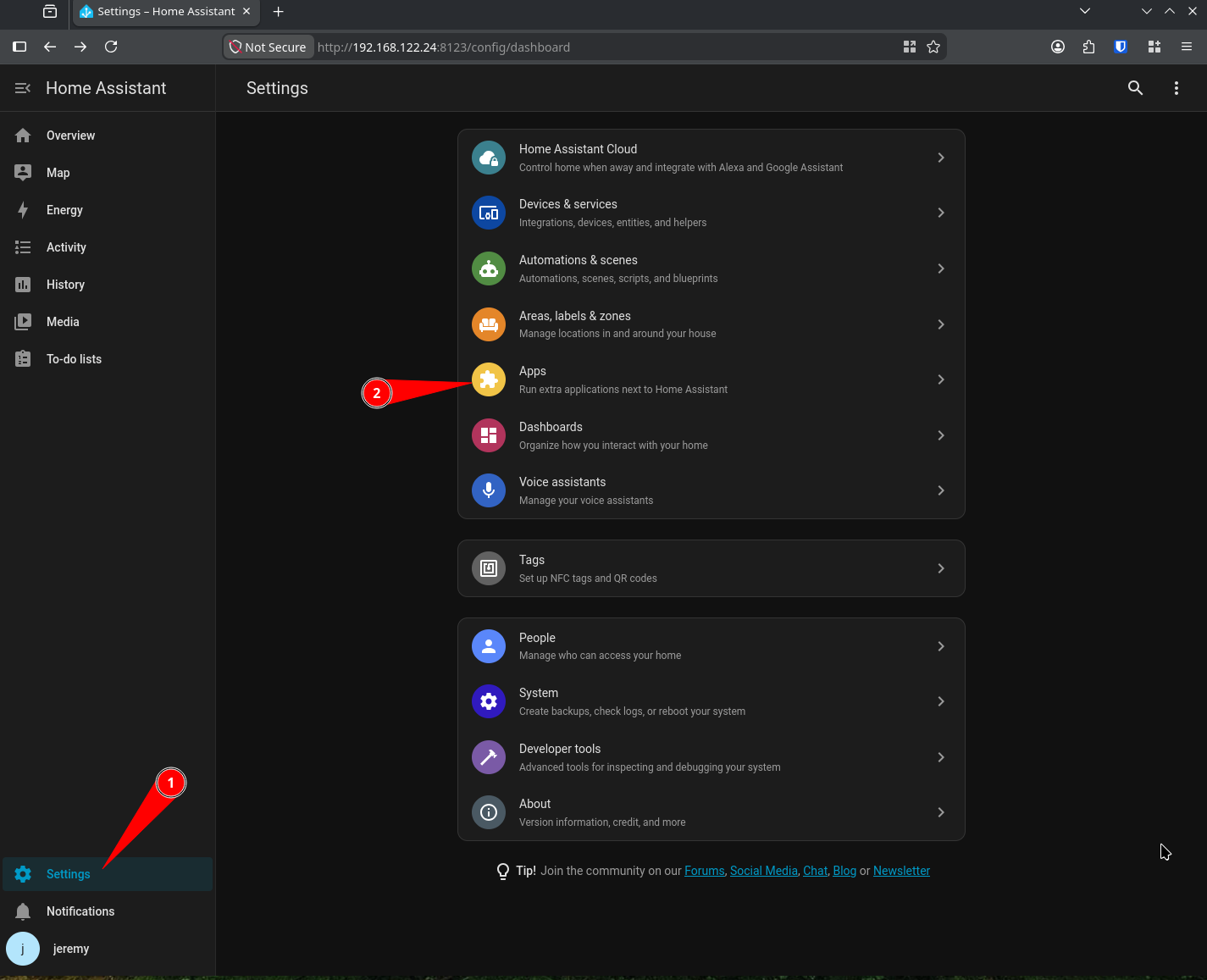
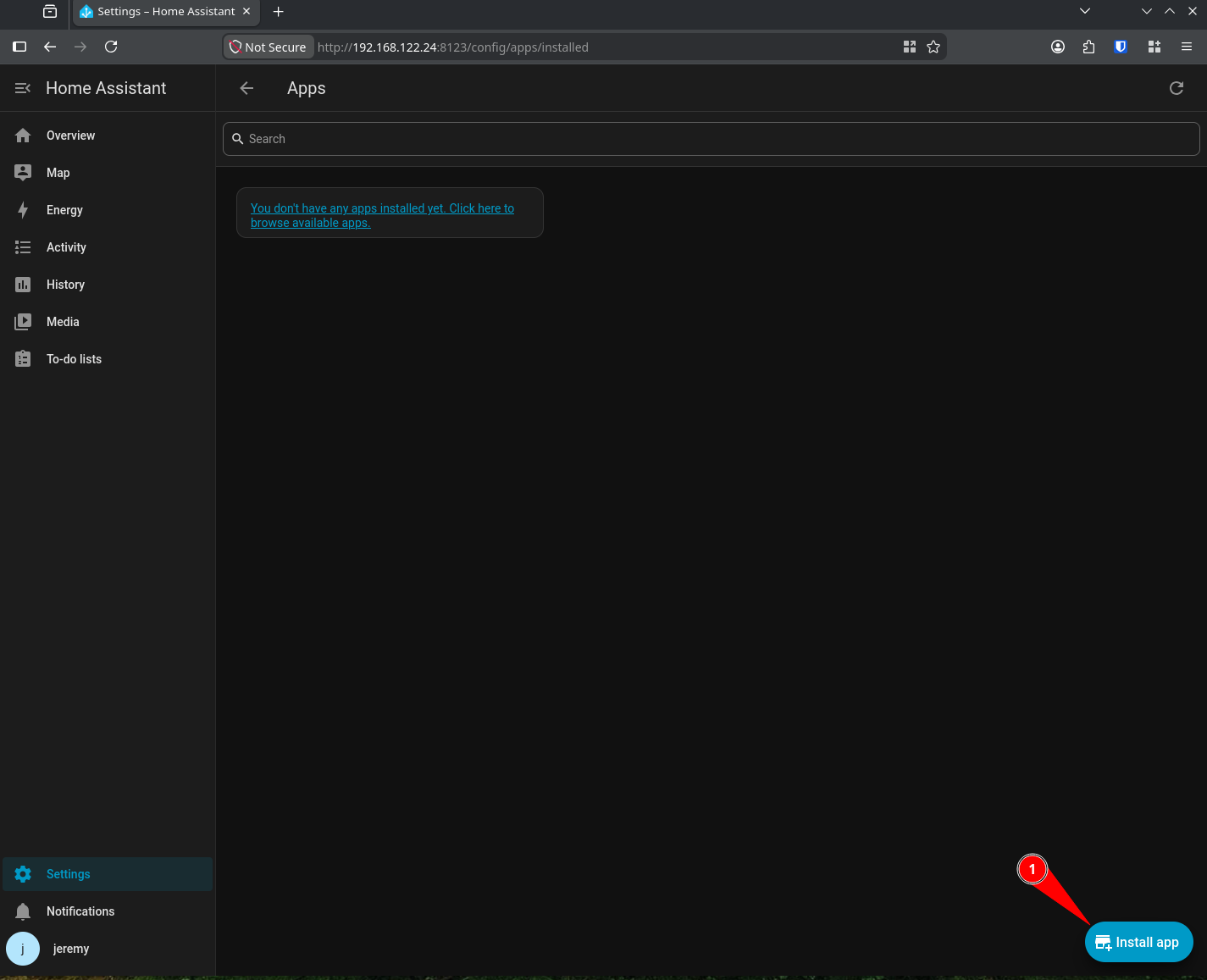
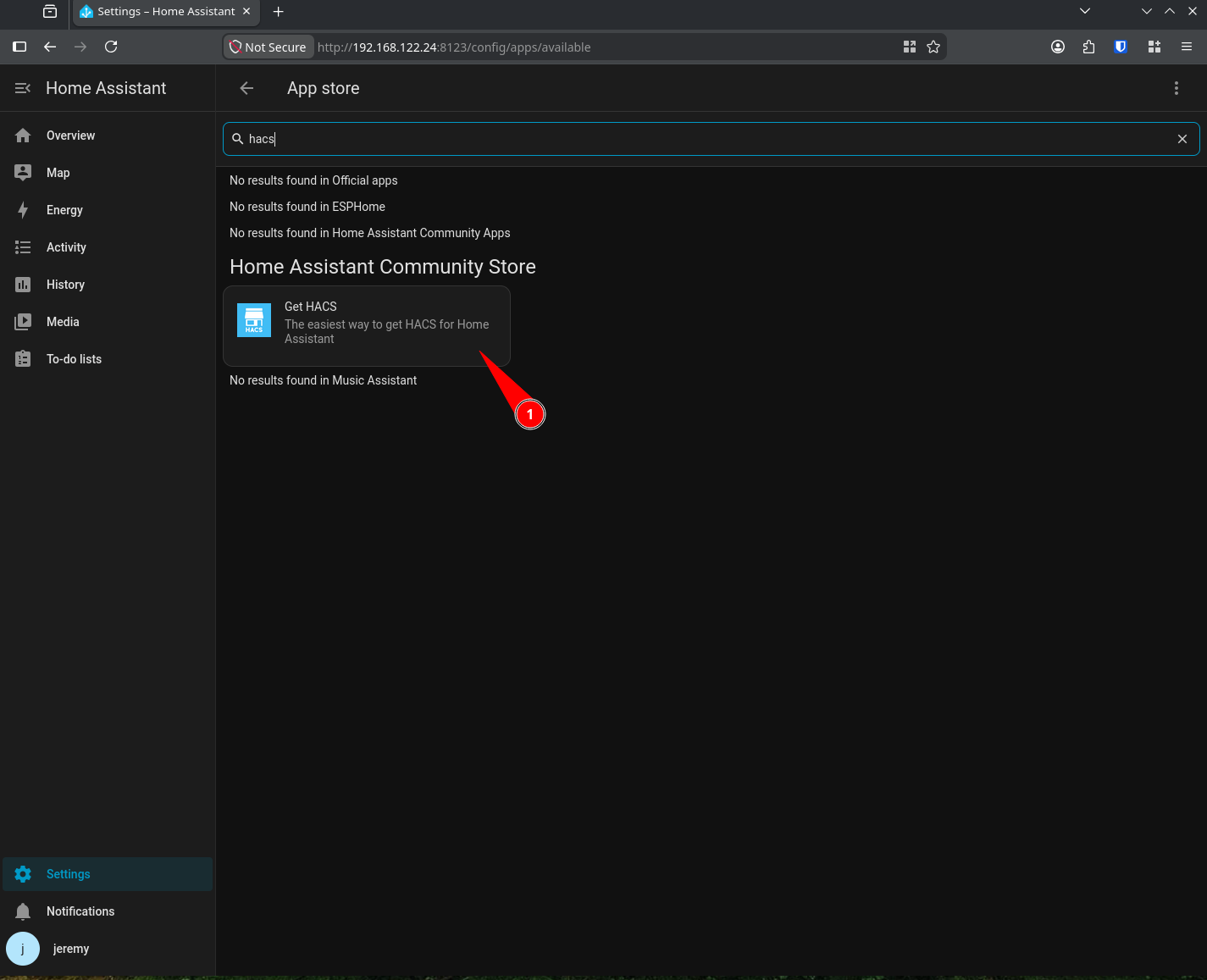
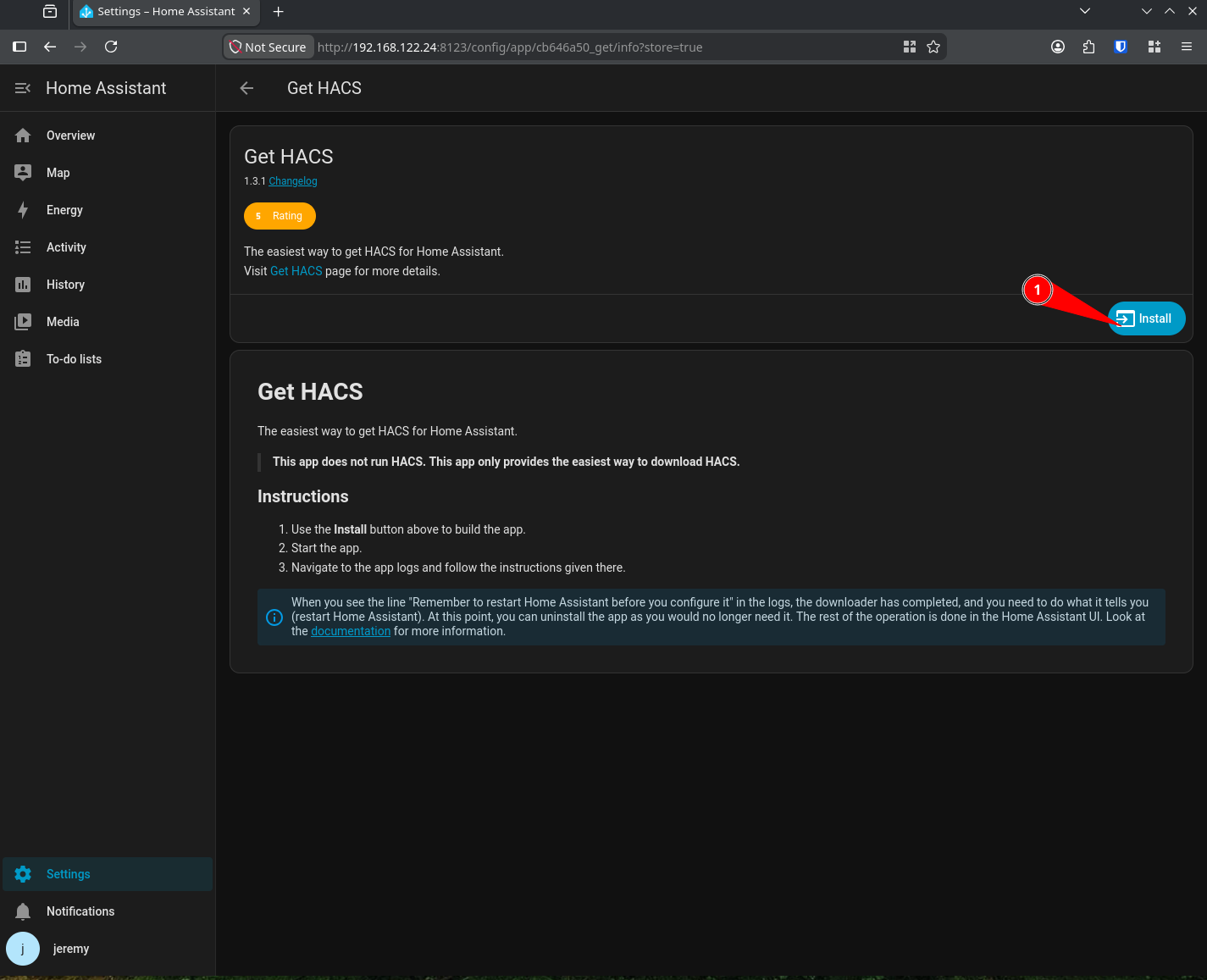
Start HACS and restart home assistant
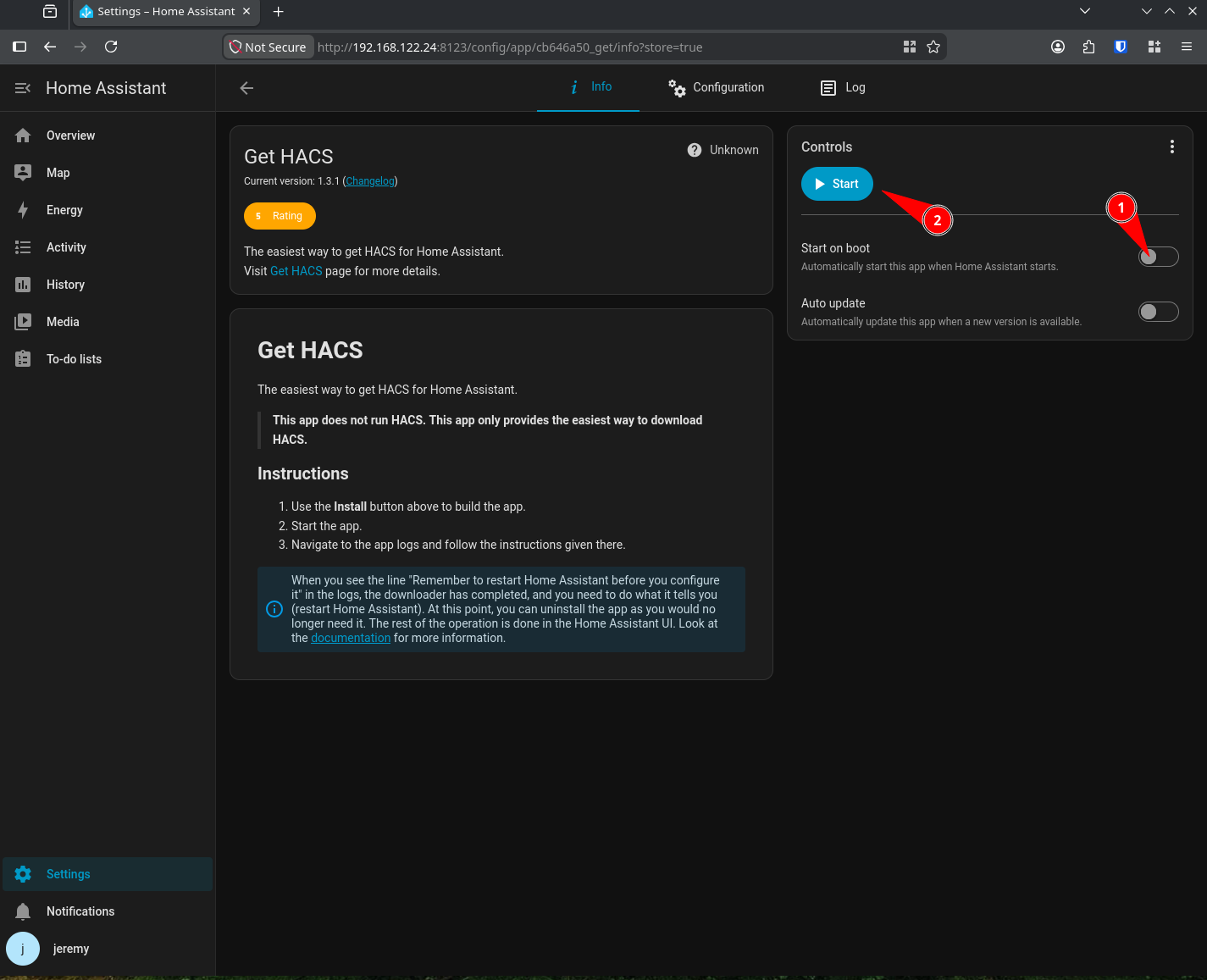
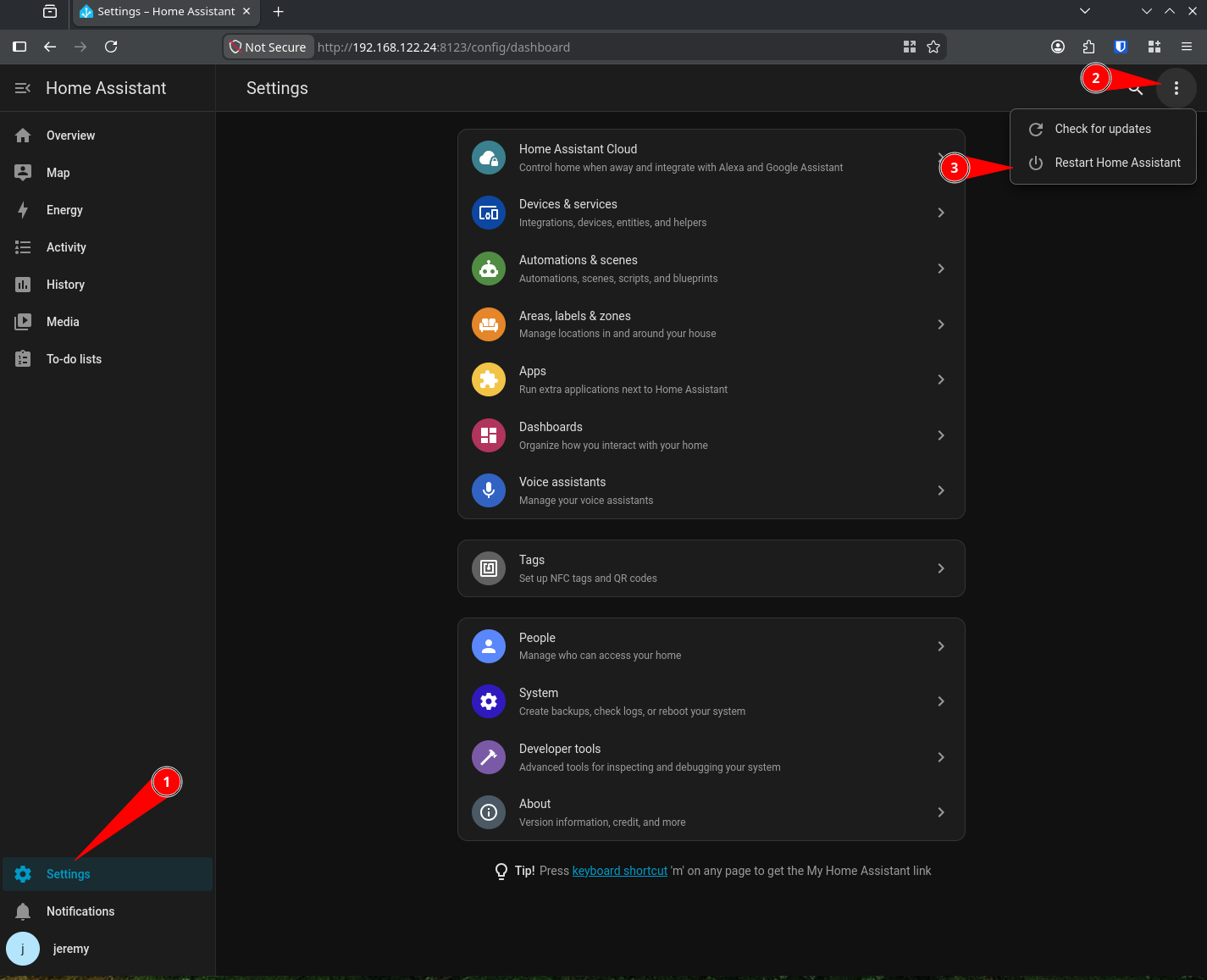
Then add the HACS Integration (not 100% sure you must do this step but I recorded exactly what I did)
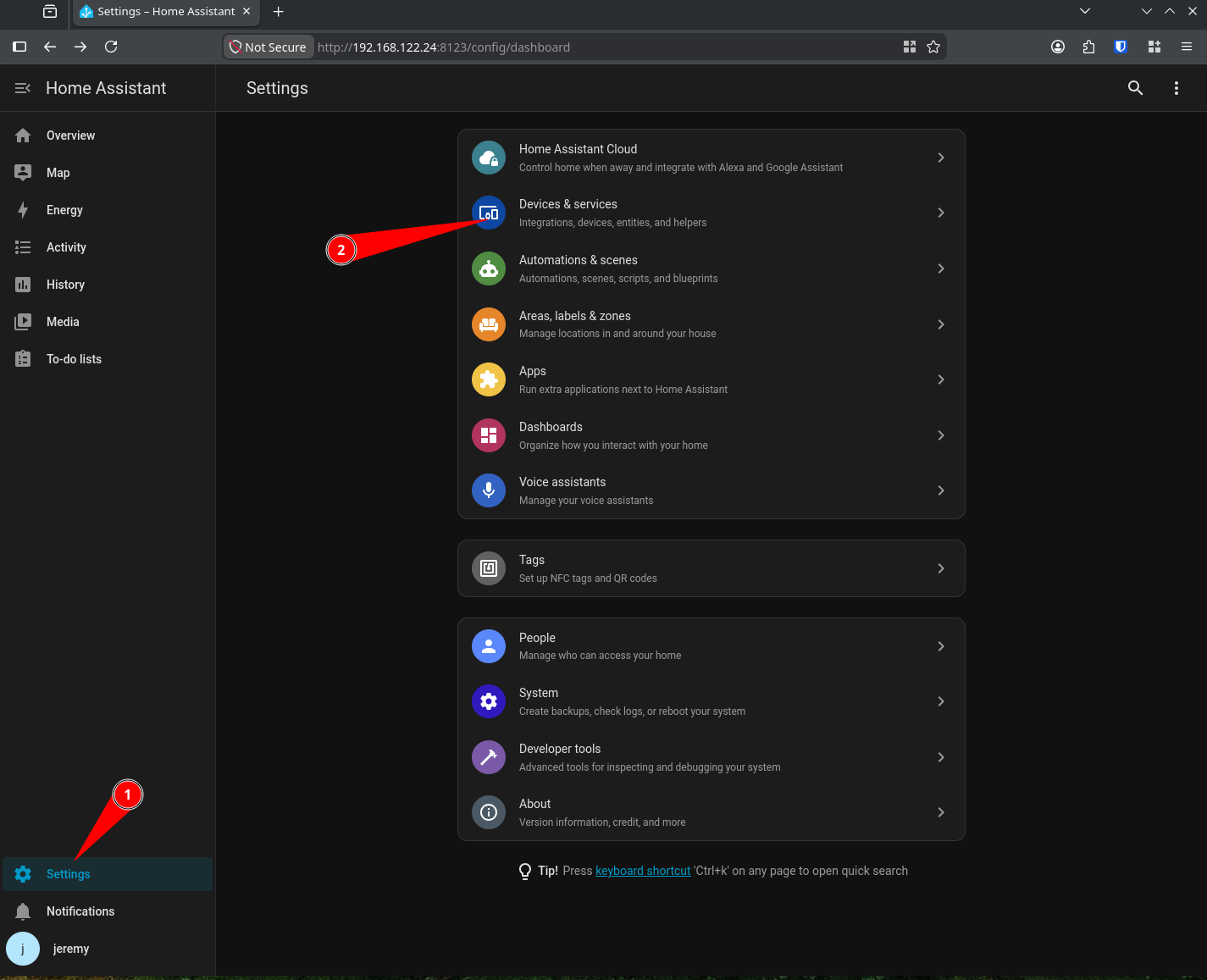
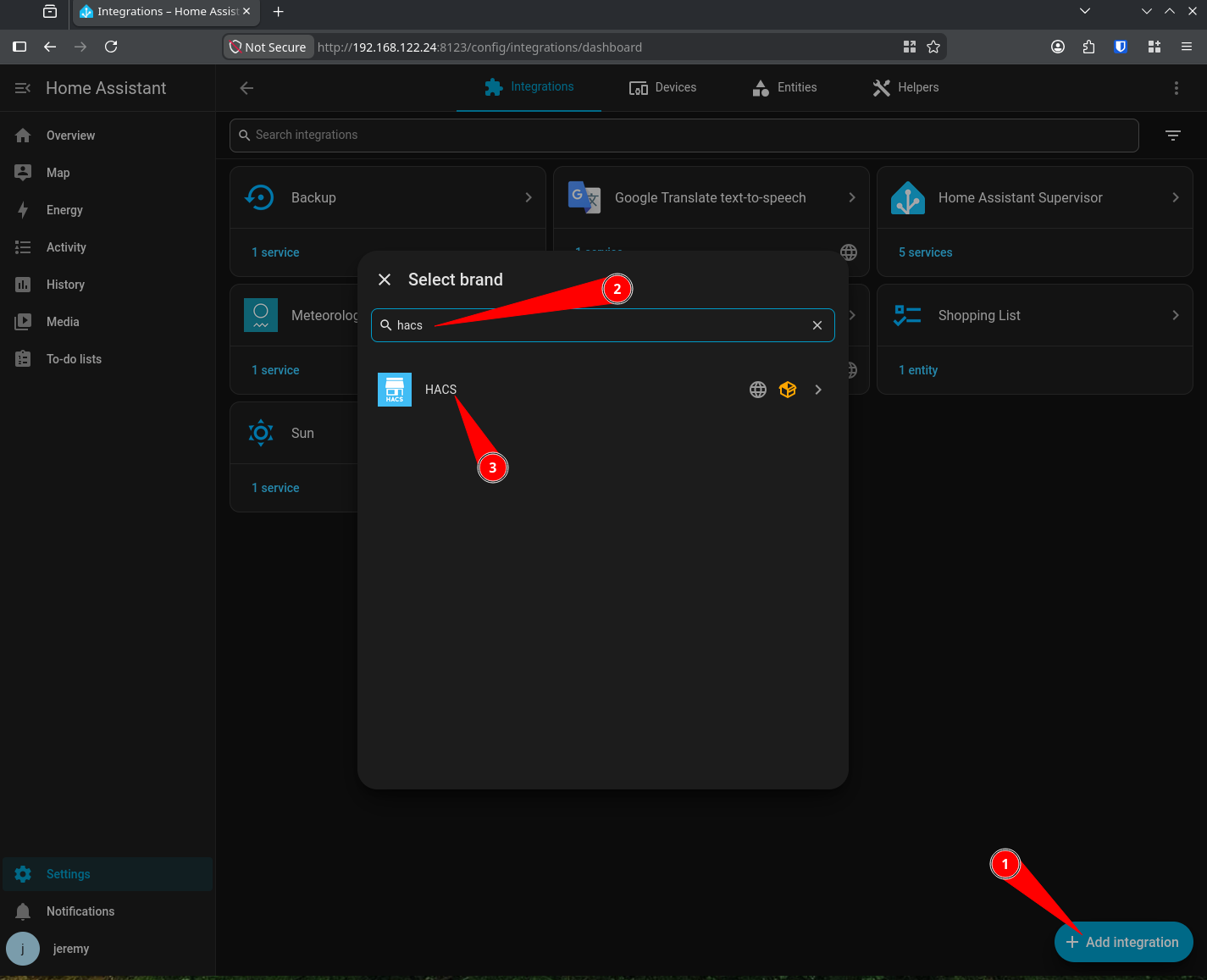
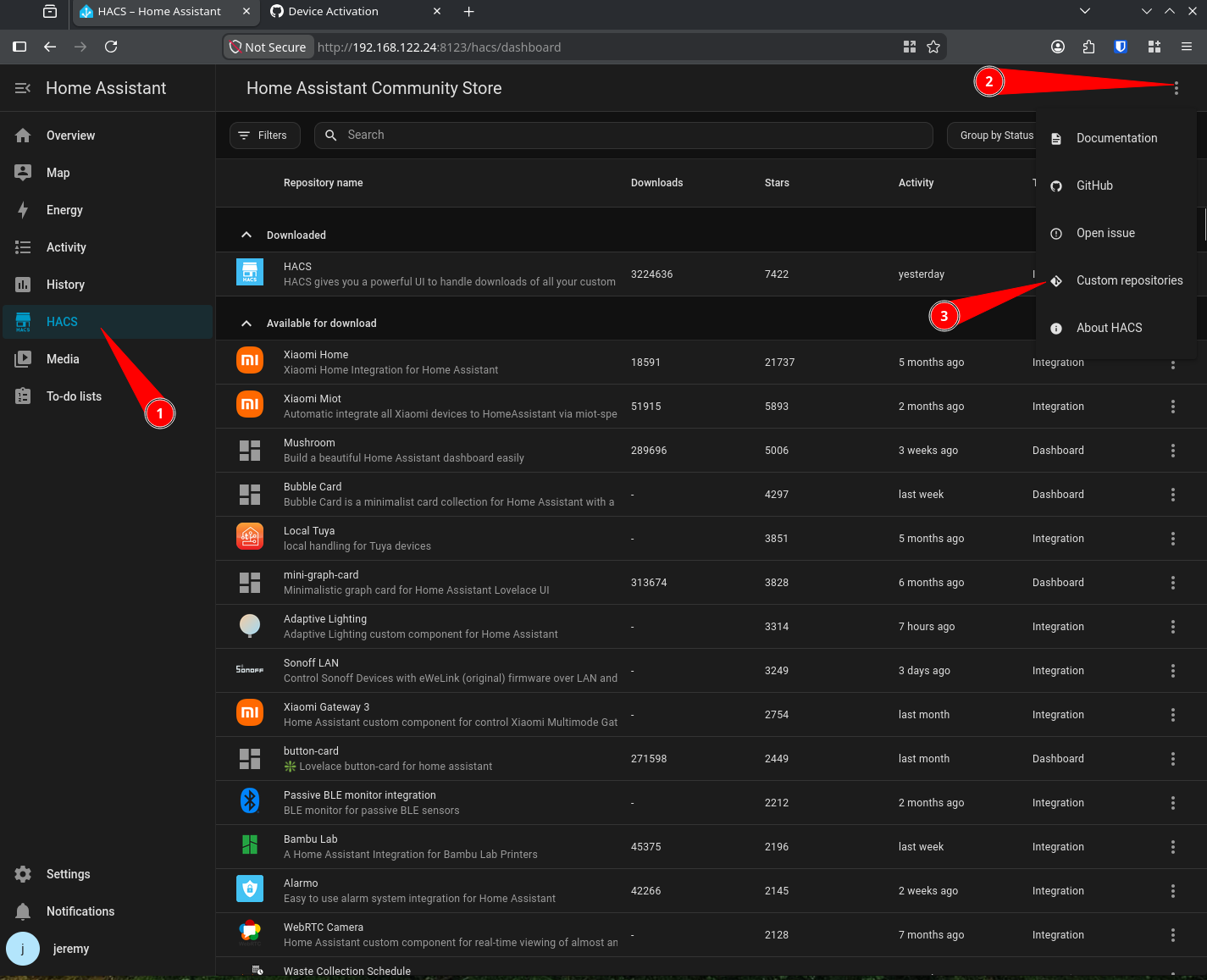
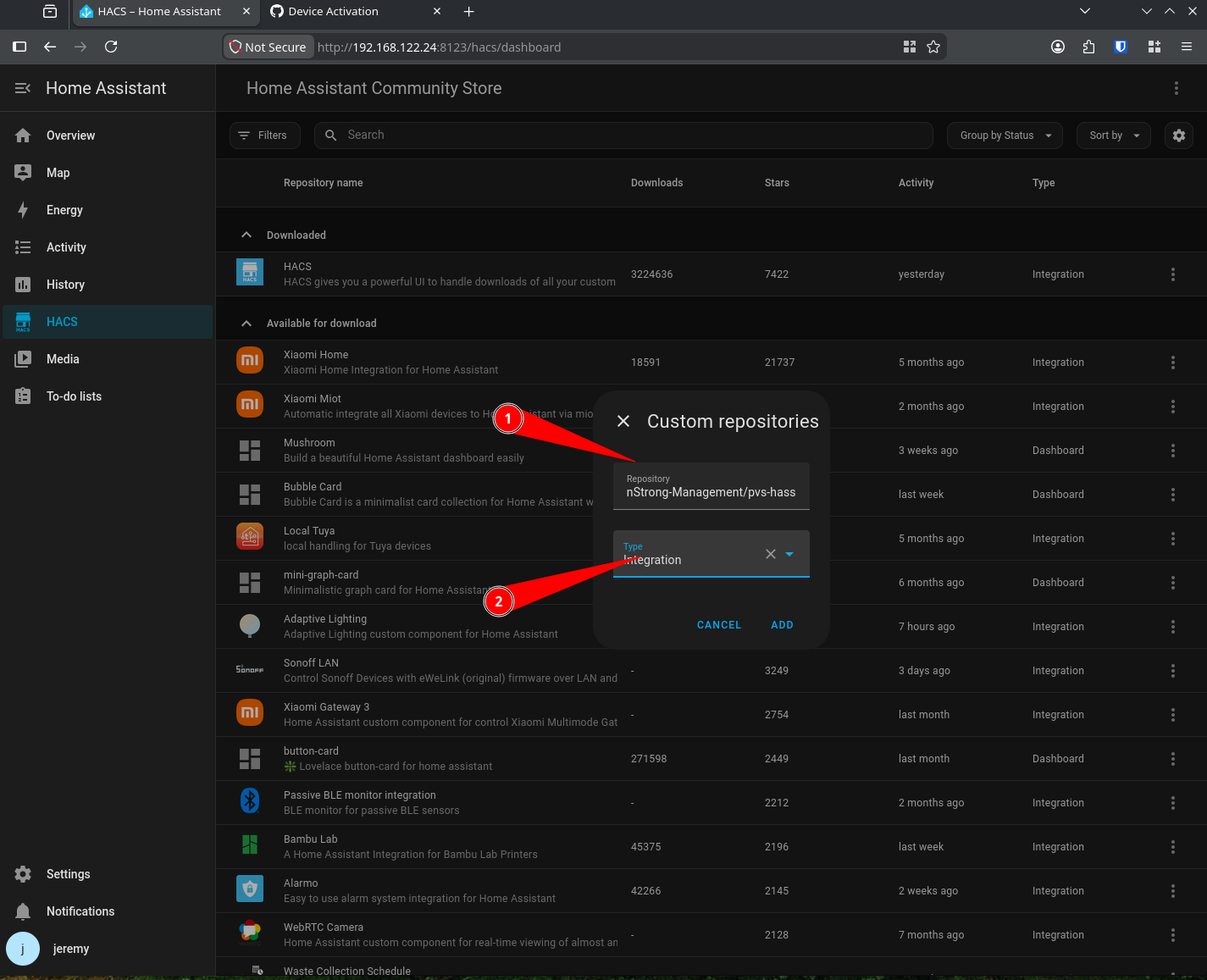
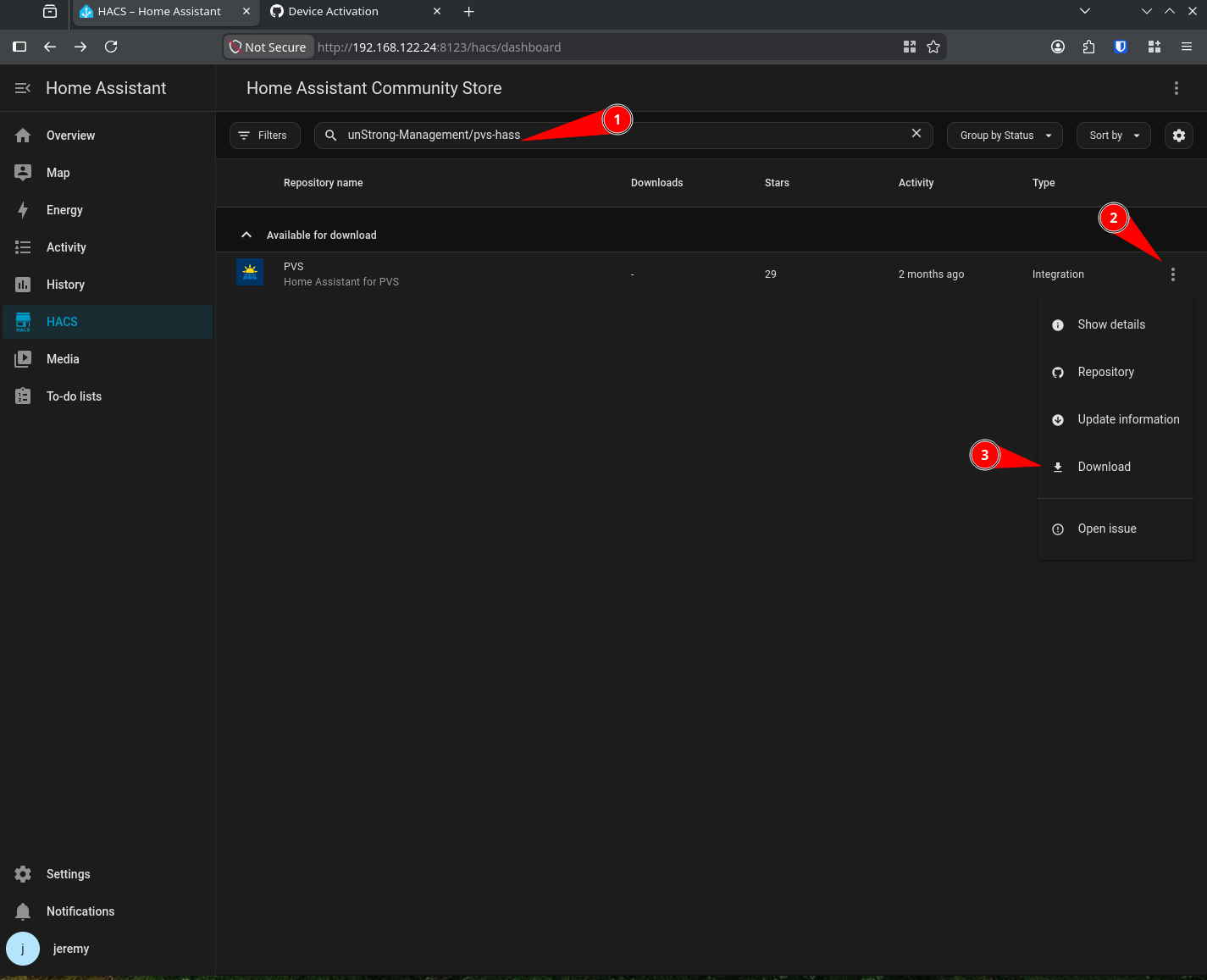
Now the PVS plugin can be installed as a custom integration. The upstream documentation for this can be found here
This is the text for the custom add on SunStrong-Management/pvs-hass
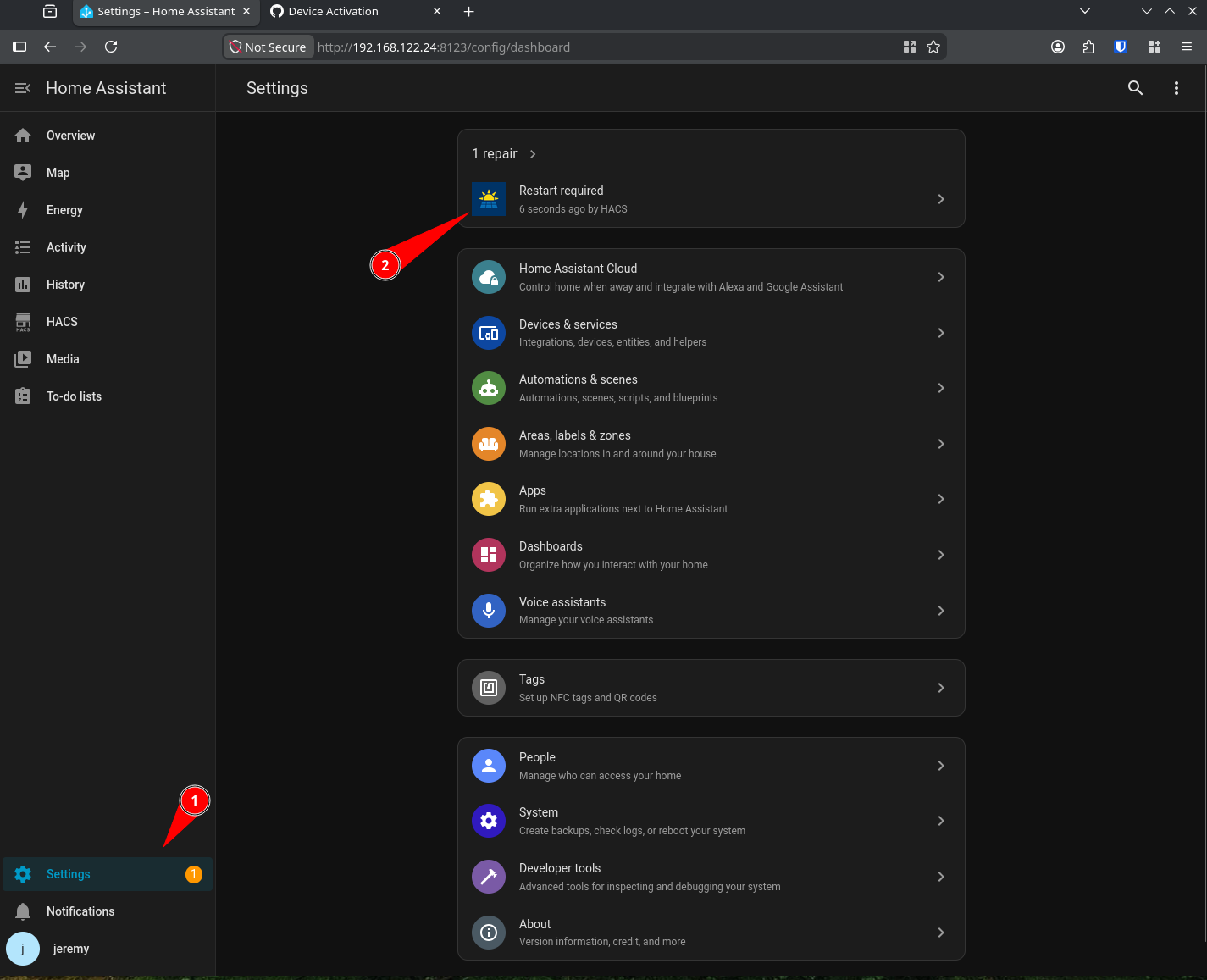
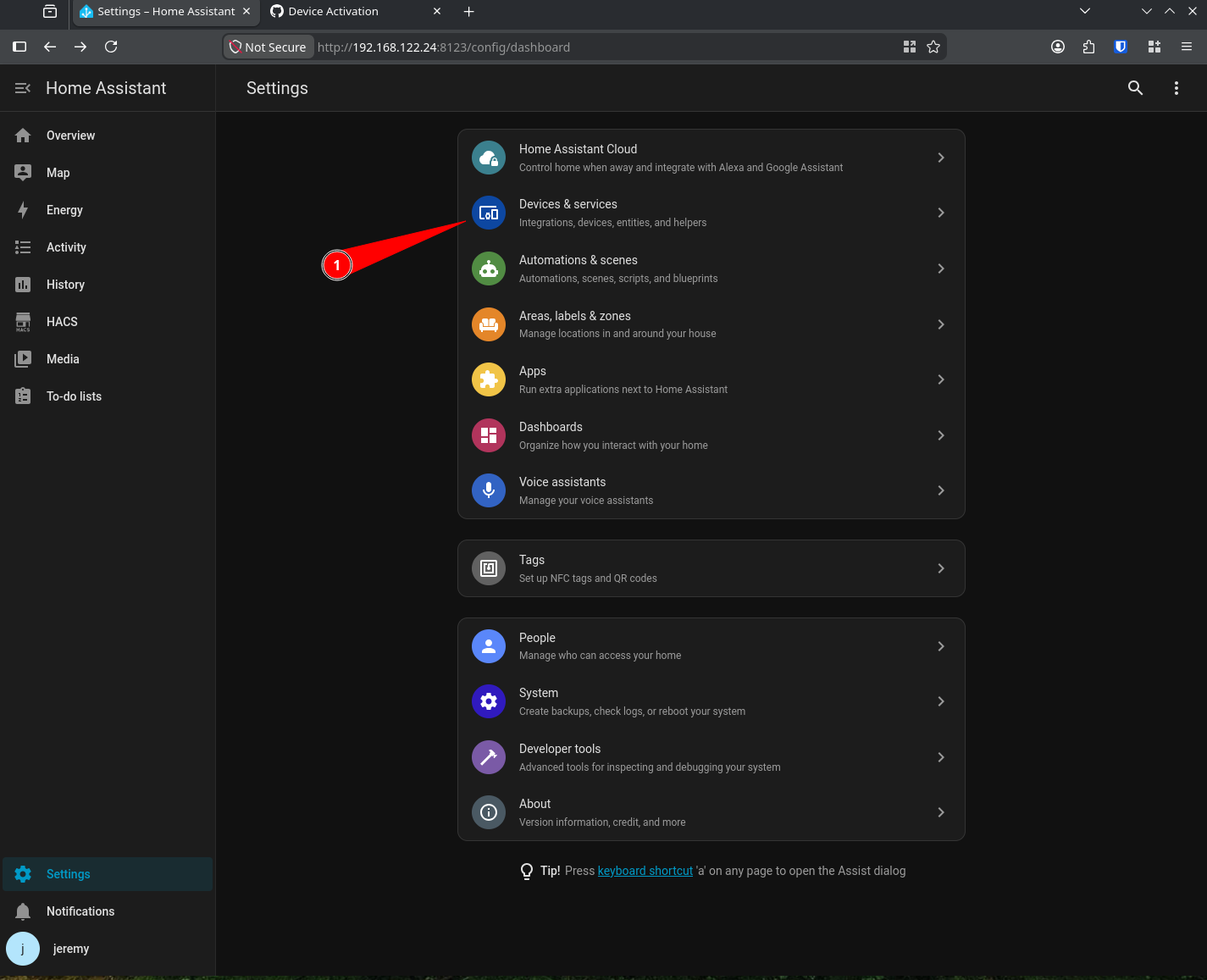
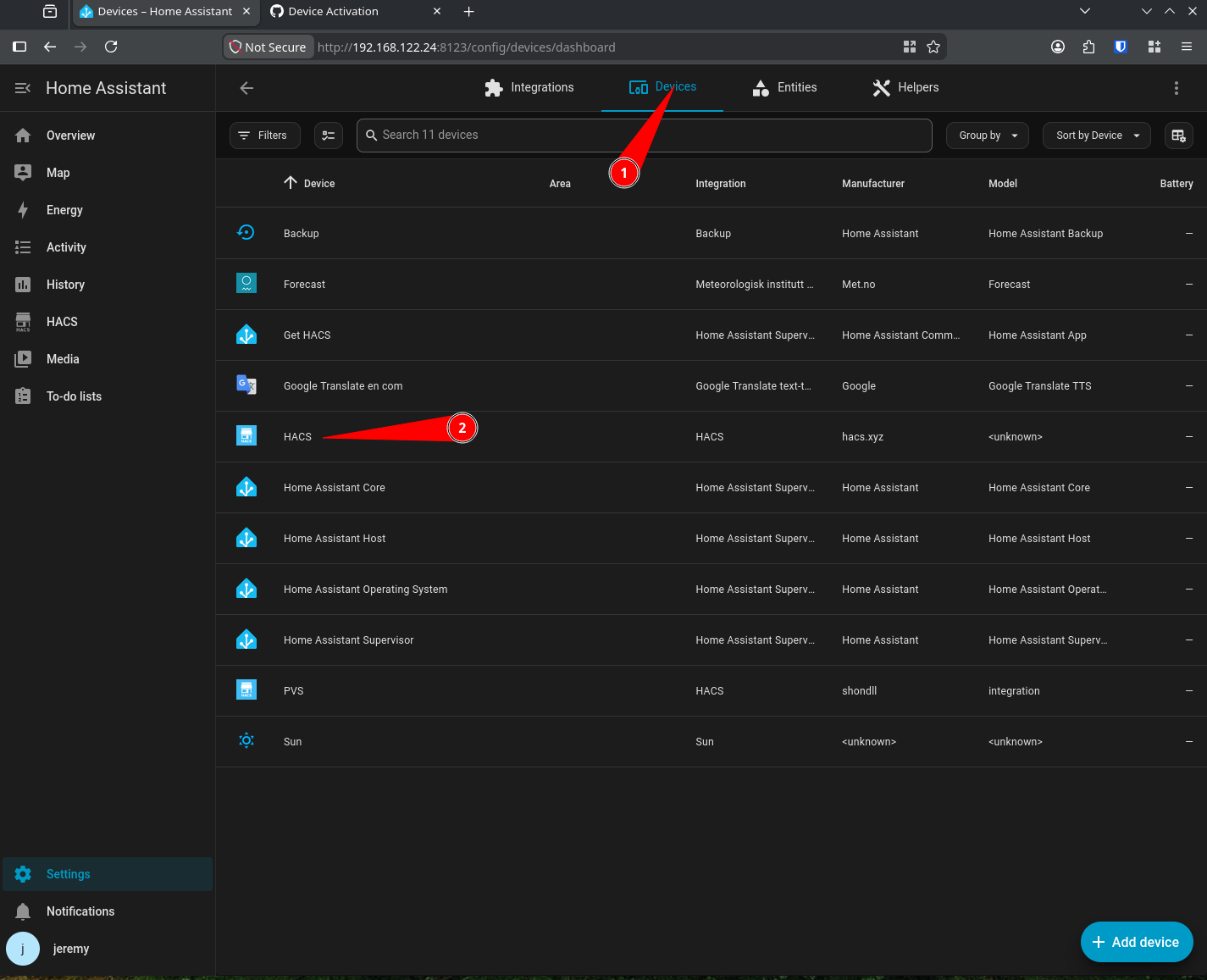
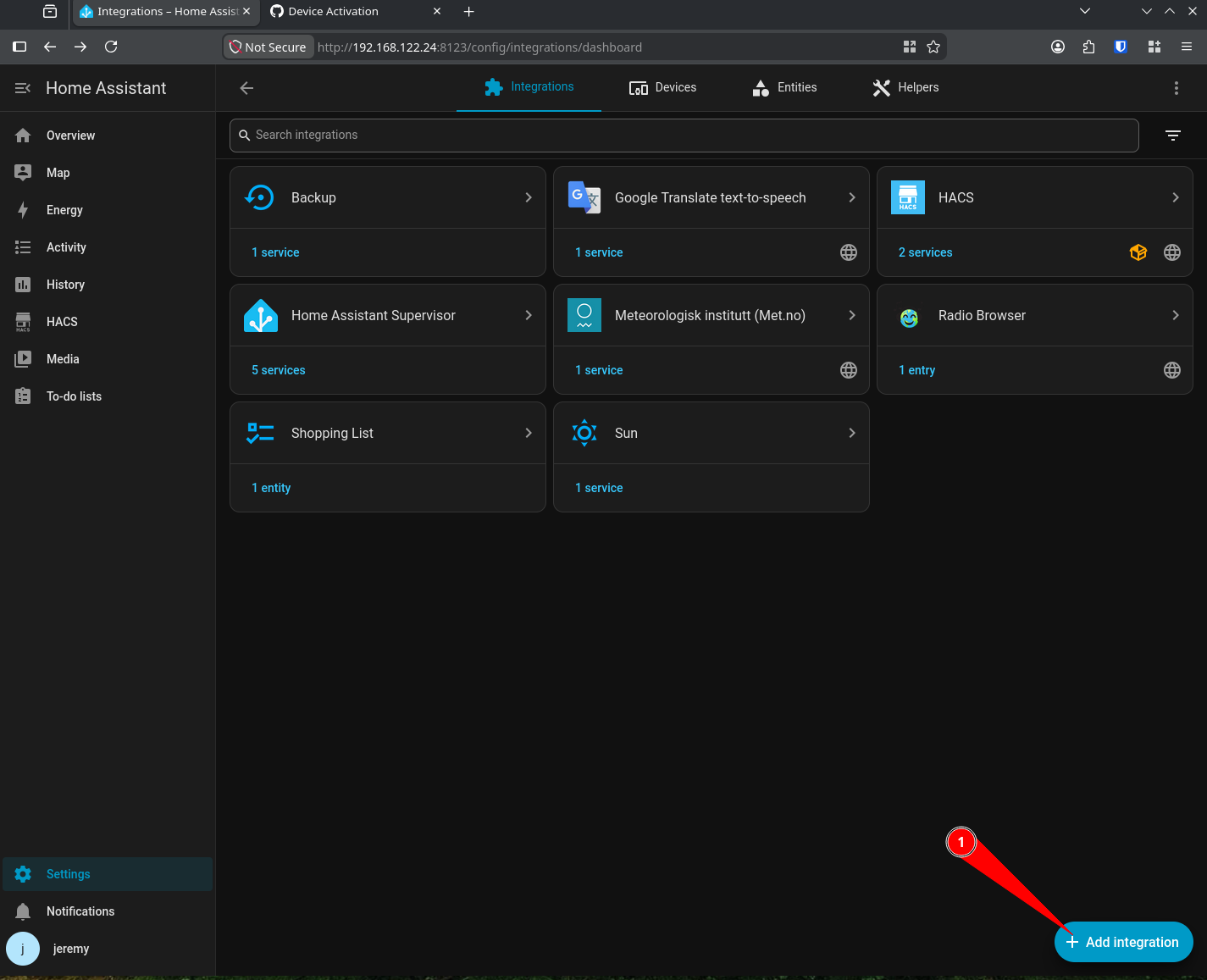
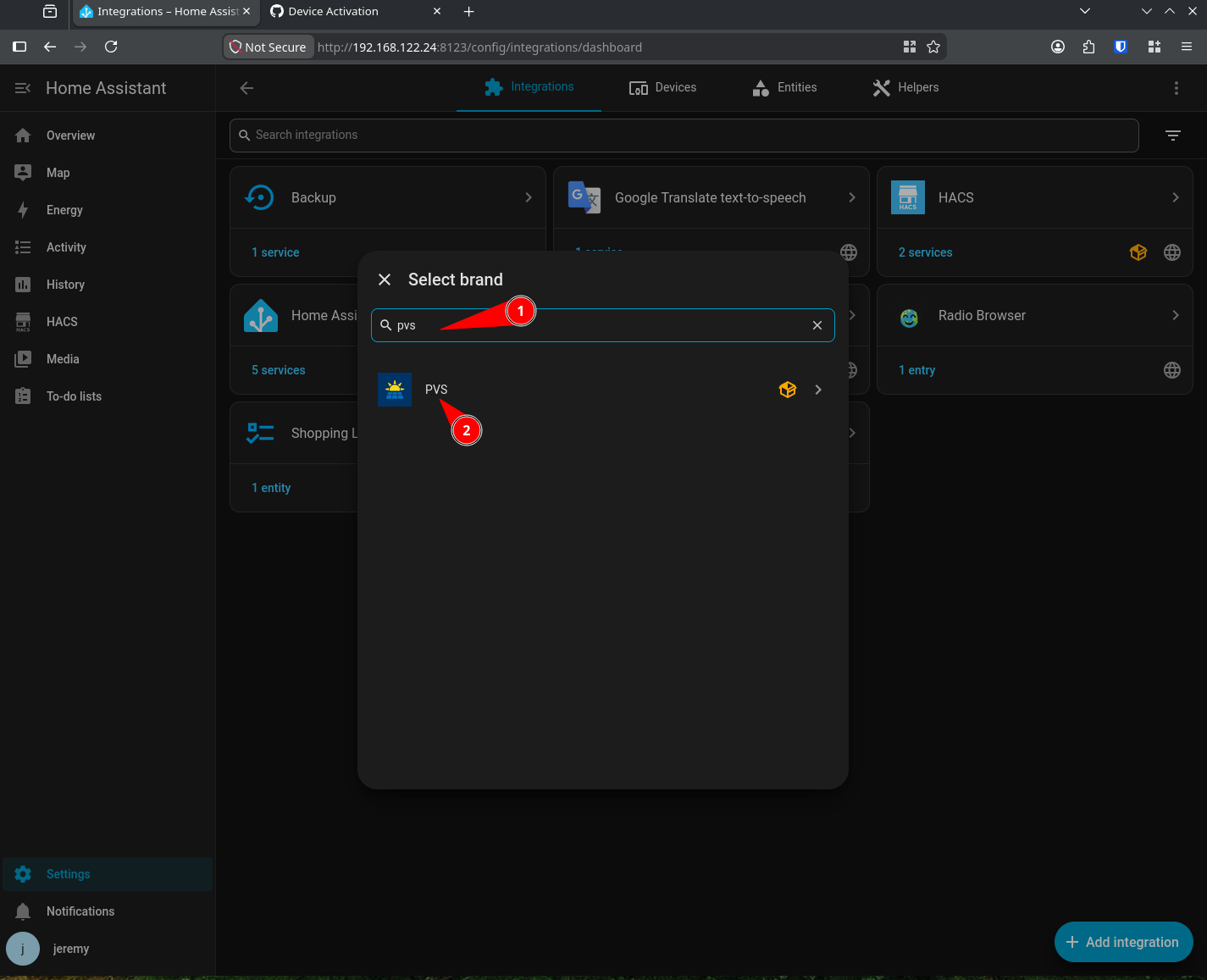
The integration should be complete now. If you hit devices from the main dashboard you will see all panels and monitors.